
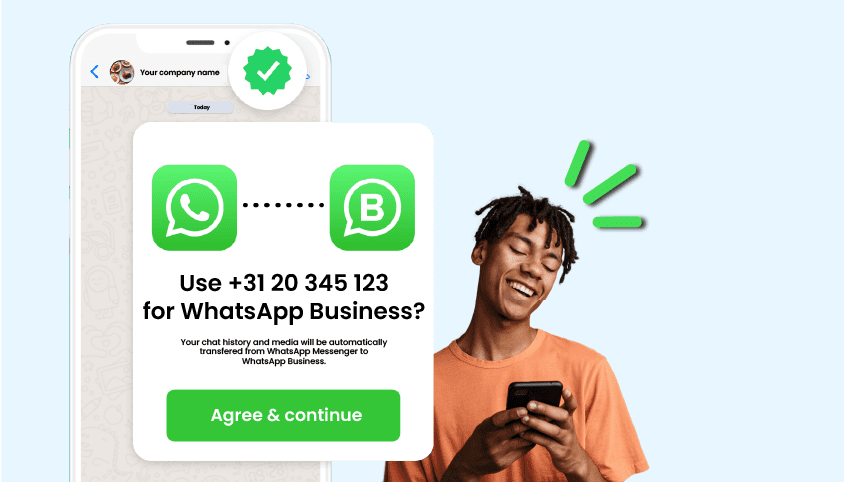
WhatsApp for companies
Connect WhatsApp Business to a landline number
Want customers to reach you easily via WhatsApp? You can! With WhatsApp for business, you make it super simple for customers to get in touch. And the best part? You no longer need to use your mobile number. Just link your landline to WhatsApp Business and you’re good to go.
- Always reachable on a landline, straight from your mobile
- Available at home and abroad via 4G, 5G and wifi
- Easily add your business hours
Chat and call with your landline number on mobile?
Want to call from your mobile using your landline number? No problem. We make sure you’re always reachable, wherever you are. WhatsApp Business works best with national phone numbers, like 085 numbers. Other business numbers may sometimes be rejected. That’s why we provide a 085 number for WhatsApp Business.

How many people can use WhatsApp Business?
Want to use WhatsApp Business with your whole team? You can. It works on four extra phones or computers, so up to five users in total. Super handy, especially if you’re not working every day. As they say, sharing is caring!

How to download and use WhatsApp Business
WhatsApp Business is free to download. That means you can start chatting with customers via WhatsApp and make calls using your landline number from your mobile, starting from just €2. Want to get started? Just follow these steps, just like you would when linking a mobile number:
App Store or Google Play Store: search for WhatsApp Business and download the app.
Enter your number: when asked if you want to transfer your current number, choose ‘use a different number’ and enter your business phone number.
Verification: this usually happens via SMS, but if you wait a moment, you’ll also get the option to receive a call. Tap ‘call me’ to get the verification code by phone. Enter the code.
Business name: enter your business name (note: you can only do this once).
From now on, you can use WhatsApp Business with your landline number.
Tip: add a touch of professionalism to your business communication with extra features like business hours, an auto-reply and quick replies. Always ready to impress. Curious how to set it up? Download our guide.
Order your business number for WhatsApp
Get your business number in no time at Zakelijketelefoonnummers.nl. Smart communication for every situation.
CHOOSE YOUR NUMBER
Select the phone number you want to request. For WhatsApp Business, we recommend a national number.

SELECT YOUR PACKAGE
Select the call routing package for your number. This is not mandatory, but it is very convenient if you want to make calls with this number.

... AND LET'S CHAT!
Once you’ve reviewed and placed your order, download WhatsApp Business and activate your number in just a few steps.

Everything you want to know about WhatsApp Business
Does WhatsApp Business work abroad?
Absolutely. As long as you have internet (4G, 5G or wifi), you’ll be reachable anywhere in the world.
Can multiple people use the same WhatsApp Business number?
Yes, you can link up to 5 devices. Handy when you’re working with a team.
Does WhatsApp Business cost money?
The app is free. You only pay for your phone number and any optional call package. That means you can start chatting from just €2.
Can I set business hours in WhatsApp Business?
Absolutely. Add your opening hours, set up automatic replies, and let customers know when you’re available. Want to know exactly how to do this? Download our guide using the green button that says ‘Quick Guide’.
How quickly will I be reachable?
Usually within 3 working days. Download the app and verify your number. WhatsApp will review your account to confirm your business is legitimate. Once that’s done, you’ll receive an email.