
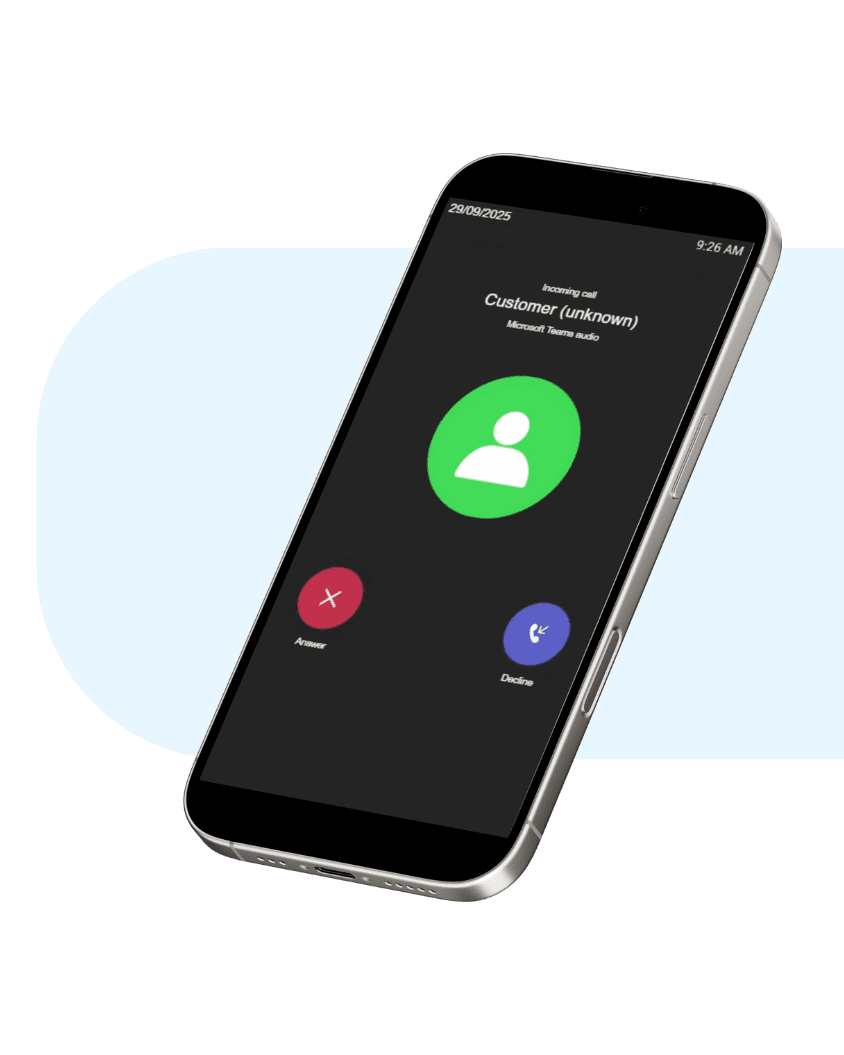
Calling with Teams
Integrate business telephony with Teams
Enjoy the freedom of calling and receiving calls through Microsoft Teams, linked to your business phone number. No extra software or devices needed. We are happy to help you set up your Teams environment during a personal meeting. Chat, meet and call. All in one place.
- Call from your PC, tablet or mobile using your business number
- Combine with one of our packages
Calling with Teams: how it works
To receive calls with Microsoft Teams using your business number, you’ll need one of our smart telephony packages.
- Self-employed Package (free of charge): Ideal for solo professionals who want to be reachable in a professional way.
- SME Package: For businesses that want more; multiple colleagues, call queues, menu options, and intelligent call routing.
Both packages ensure that your business number is connected to Teams, allowing you to receive calls through it directly on your PC, tablet, or mobile phone. Would you also like to make outbound calls via Teams? Then please contact us.

Calling with Teams on your PC
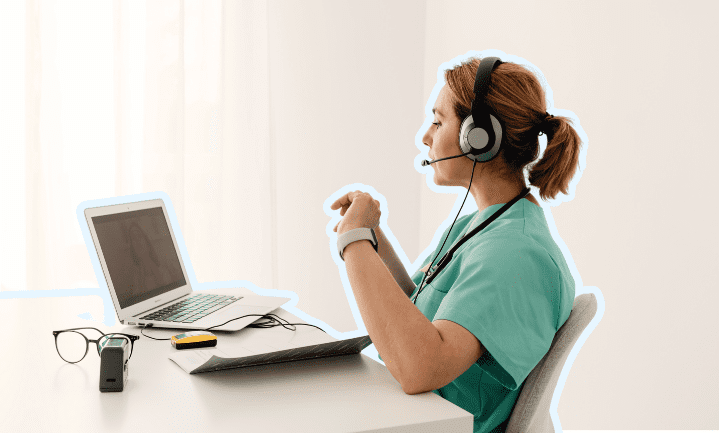
With the Microsoft Teams app, you can make calls directly from your business number. Use the dial pad just like on a regular phone. The ‘Call’ button lets you reach both colleagues and external contacts. Combine business communication and collaboration in one platform. Business calling in Teams has never been easier!
Calling with Teams on your smartphone or tablet
Download the Teams app and log in with your business account. You keep your phone number and call securely via the cloud. Whether you’re working from home or on location, your business telephony stays under control. When you hit the ‘Call’ button, you can choose which number to call from. Handy, right?

Microsoft Teams as an add-on?
Set up calling with Teams with Zakelijketelefoonnummers.nl in a flash. Smart communication for every situation.
CHOOSE YOUR NUMBER
Select the phone number you want to link to Teams. You can order a new business number or transfer your existing one.

SELECT YOUR PACKAGE
For self-employed professionals, we recommend the Self-employed Package. For teams where multiple colleagues make calls within the company, we advise the SME Package.

... AND LET'S CALL!
Tick the ‘Microsoft Teams’ option as an add-on and place your order.

Everything you want to know about calling with Teams
Do I need extra software or hardware to call via Teams?
Nope, everything works through your existing Teams app on your PC, smartphone or tablet. Super simple.
Can I make external calls via Teams, or only internal ones with colleagues?
Both. You can just as easily call customers, suppliers or other external contacts; all through your business number.
Can I link my existing phone number to Teams?
Absolutely. You can keep your current number or select a new business number. Do you choose to get a new number? Check our pages about business phone numbers, like local numbers, national numbers, free service numbers or premium rate numbers.
Are all smart features available in Teams?
Yes, all the features included in your selected package are fully available in Teams. Everything is seamlessly integrated. Do you just want to make calls with your mobile phone and a business number? Combine ‘Calling via Teams’ with our Self-employed Package. Do you want to use more smart features? Our SME Package would be the perfect fit.
What if I want to link multiple numbers to Teams?
No problem. You can link multiple phone numbers to different Teams accounts. Before making a call, you’ll be asked which number you want to use for this call.
How does subscribing work?
You subscribe to a calling plan via Teams for a period of 12 months. After that, your subscription is automatically renewed every 12 months.